
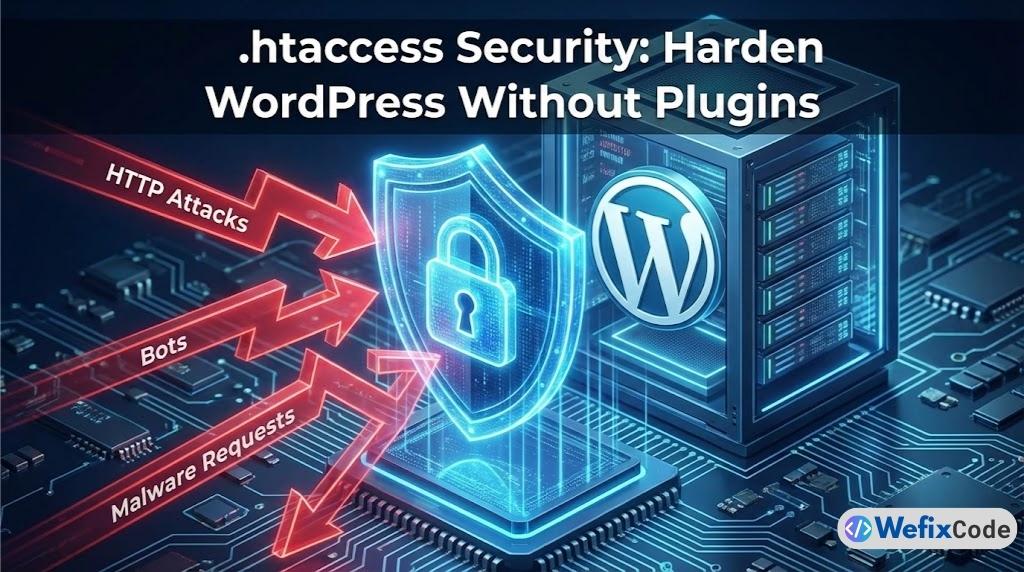
When a client asks for “Better Security,” the average developer installs a heavy plugin like Wordfence or iThemes. While these plugins are great, they have a weakness: They run on PHP.
This means that every time a bot attacks your login page, WordPress has to load, the database has to connect, and the plugin has to execute code to say “No.” If you get 10,000 bot attacks an hour, your server crashes.
This prevents the type of malware we discussed in our Manual Cleanup Guide.
The Senior Developer Solution: Stop the attack at the front door.
By using the .htaccess file (on Apache servers), we can block malicious traffic before it ever reaches WordPress. It is faster, lighter, and invisible to the attacker.
Here are the 7 critical rules we add to every client site at WeFixCode.
0. Safety First (Backup)
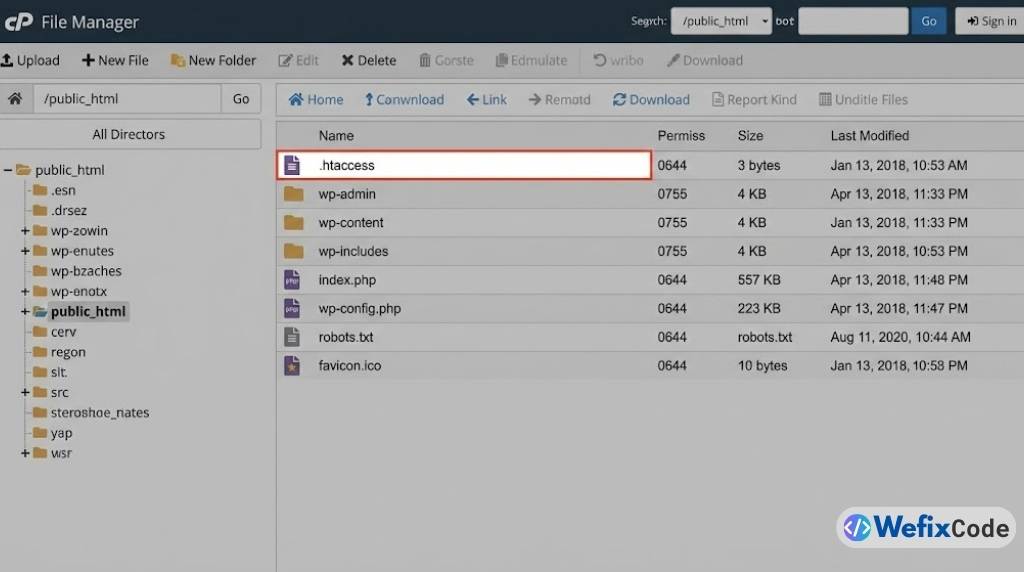
The .htaccess file is powerful. One typo (missing a space or a bracket) will break your entire site instantly (Error 500). Before you touch anything:
- Log in via FTP.
- Download your current
.htaccessfile to your desktop as a backup. - If the site breaks, just re-upload the backup.
1. Disable Directory Browsing
By default, if a visitor goes to yourdomain.com/wp-content/uploads/, the server might show a list of all your files. Hackers love this because they can see exactly what plugins you have and look for vulnerabilities.
The Fix: Add this line at the bottom of your .htaccess file:
# Disable Directory Browsing
Options -Indexes
Now, if they try to look inside a folder without an index file, they get a 403 Forbidden error.
2. Block PHP Execution in /uploads/
This is the single most important rule in this list. If a hacker manages to upload a backdoor virus (usually a .php file) into your /wp-content/uploads/ folder, they will try to “run” it by visiting the URL.
We can tell the server: “Never run PHP files inside the uploads folder.”
The Fix: You need to create a NEW .htaccess file specifically inside /wp-content/uploads/. Paste this code into it:
<Files *.php>
deny from all
</Files>
Now, even if they successfully upload a virus, it is useless. It won’t run.
3. Protect wp-config.php
Your wp-config.php file holds the keys to your kingdom: your Database Name, Username, and Password. The world should never be able to load this file directly.
The Fix: Add this to your main .htaccess:
# Protect wp-config.php
<files wp-config.php>
order allow,deny
deny from all
</files>
4. Disable XML-RPC (Stop Brute Force)
xmlrpc.php is an old API that allowed mobile apps to connect to WordPress. Today, it is mostly used by bots to launch “Brute Force” attacks (guessing your password 1,000 times a minute). Unless you specifically use the WordPress Mobile App or Jetpack, you should kill this file.
The Fix:
# Block WordPress xmlrpc.php requests
<Files xmlrpc.php>
order deny,allow
deny from all
</Files>
5. Block Author Scans
Hackers run scripts that scan your site looking for usernames (e.g., /?author=1). If they find that “admin” is user #1, they have half your login credentials.
The Fix: Stop them from fishing for usernames.
# Block Author Scans
RewriteEngine On
RewriteBase /
RewriteCond %{QUERY_STRING} (author=\d+) [NC]
RewriteRule .* - [F]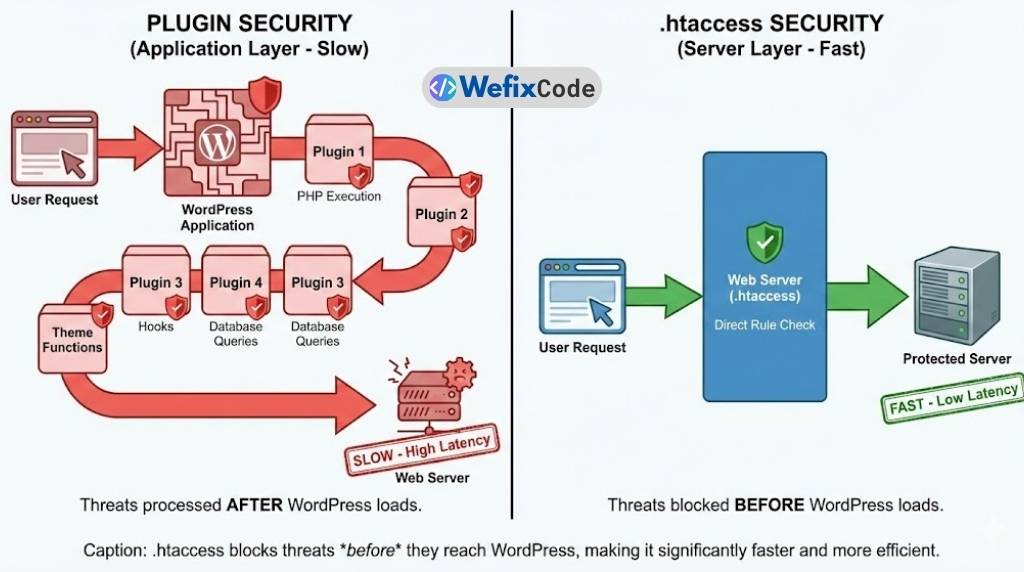
6. Protect the .htaccess File Itself
Ironically, you also need to protect the security file itself. You don’t want anyone reading your rules.
The Fix:
# Protect .htaccess
<files ~ "^.*\.([Hh][Tt][Aa])">
order allow,deny
deny from all
satisfy all
</files>
7. Ban Specific IP Addresses
If you notice a specific IP address spamming your site in your Real Cron logs, you can ban them permanently here.
The Fix:
# Ban Spammers
<Limit GET POST>
order allow,deny
deny from 123.456.789.000
deny from 987.654.321.000
allow from all
</Limit>
Summary: The “Firewall” Approach
Security plugins are necessary for scanning files, but they shouldn’t be your only line of defense. By implementing these 7 rules, you move the security perimeter off your WordPress installation and onto the server itself.
The Senior Developer Checklist: ✅ Backup your file first. ✅ Disable Directory Browsing (Options -Indexes). ✅ Block PHP in Uploads (The “Kill Switch” for malware). ✅ Protect Config files.
Need a security audit? We can harden your server and clean up existing malware manually.